
Present like a pro.
Pro Mouse is a menu-bar app for macOS that puts a halo on your cursor, magnifies the finest details, spotlights what matters, and lets you draw anywhere on your screen.

One-time purchase. No subscription.
Mouse Halo
Never lose your cursor again.
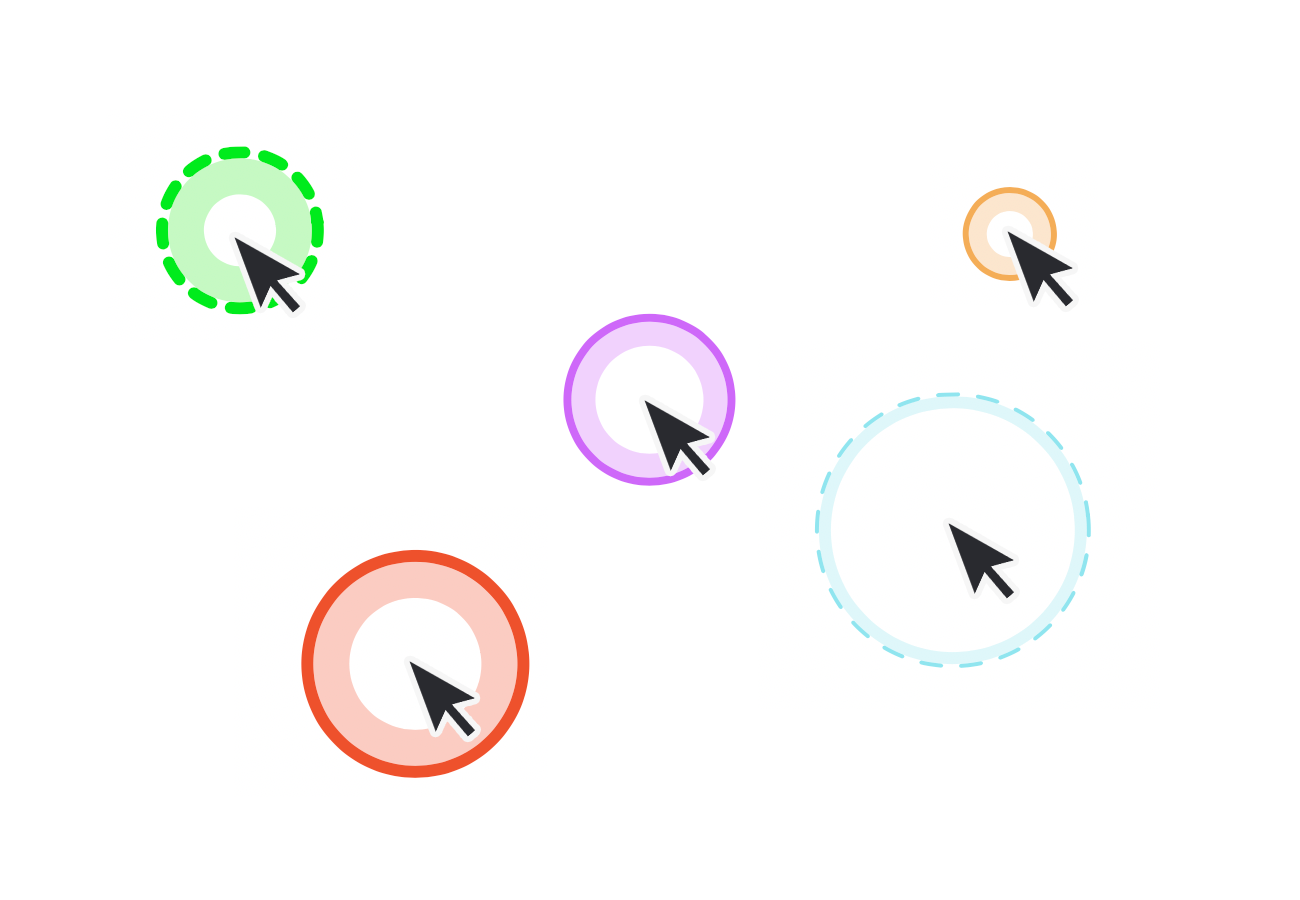
The Mouse Halo puts a ring around your cursor so every eye in the room can follow along. Customize its color, size, border style, thickness, and fill until it stands out no matter what you're doing.
Zoom
Zoom into the smallest details.
Hold a key and the Zoom Glass magnifies whatever is under your cursor — fine print, pixel-level design work, that one cell in a giant spreadsheet. Pick your glass size and zoom quality.
Drawing
Draw anywhere on your screen.
Circle the number that matters. Underline the clause. Freehand drawing plus line, circle, arrow, and rectangle shapes — then clear it all with a single key.
Spotlight
Focus on what matters.
Spotlight dims everything except the area around your cursor, pulling every eye exactly where you want it. Set its color, size, and opacity to match the moment.
Shortcut Sets
The right shortcuts for every app.
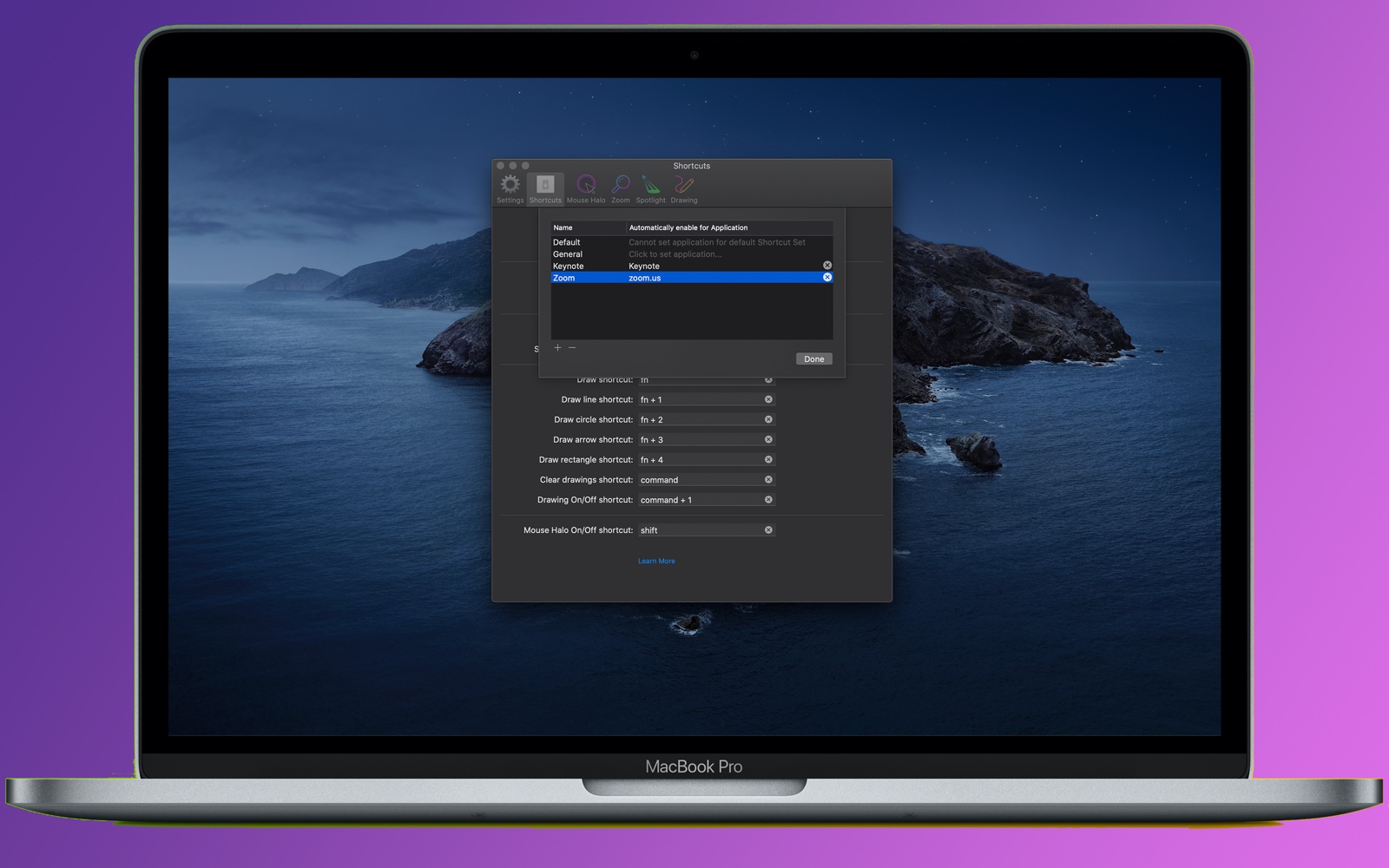
Create named Shortcut Sets and bind each one to an application. Step into Keynote and your presenting shortcuts go live; switch to a screen share and Pro Mouse switches with you — automatically.
How it works
Hold to activate. Release to get back to work.
- fn Zoom
- ⌥ Draw
- ⌃ Spotlight
- ⌘ Clear drawings
Every shortcut is customizable — or build your own key combinations with custom shortcuts. See the full guide →
Customization
Make it yours.
- Colors, sizes, and border styles for every tool
- Hide the halo or drawings after a few seconds of inactivity
- Fourteen click sounds
- Start at login
- Works across all your displays
Get Pro Mouse.
One-time purchase on the Mac App Store. No subscription.